VEE Platforms

Workforce Management · Built for South Africa

Run Your Entire
Workforce
From One Place.

Vee Platforms helps you manage workers, track hours, handle sites, and run operations — all in one simple system built for real businesses.

From registration to daily operations, everything just works.

Explore

Simple from day one

From landing on this page to running your first payroll export — here's exactly how it works.

1
📋
Register
Fill in your company details and choose a plan. Takes under 3 minutes.
2
Get Approved
We review your registration and subscription. Usually within 24 hours.
3
📧
Set Password
A secure setup link lets you choose your own password. No extra sign-up needed.
4
🏗
Set Up
Add your workers, sites and machines. Assign roles to managers and clerks.
5
📥
Run It
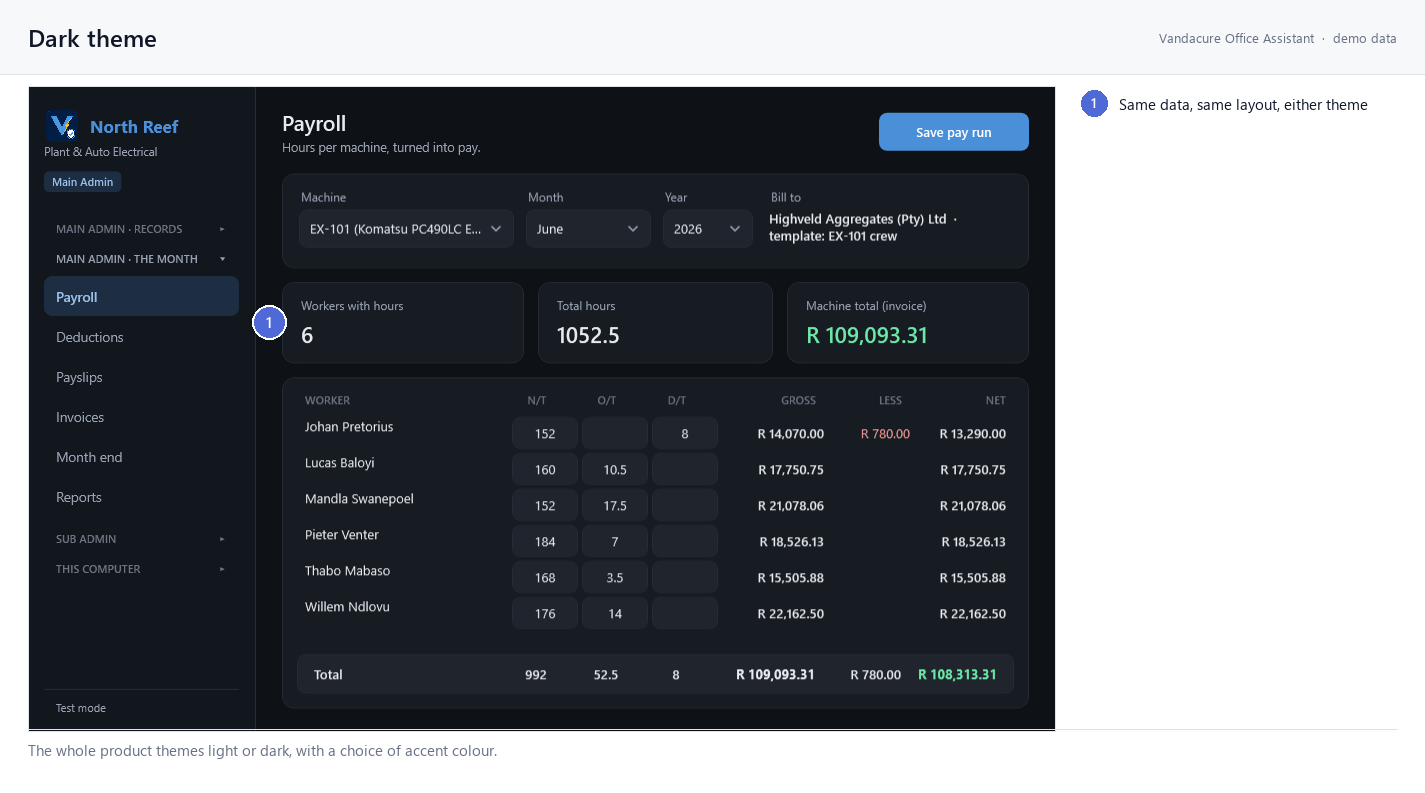
Log daily shifts, run gate check-ins, and export payroll.
Click below for a detailed breakdown of every step
Step 1 — Registering your company
Head to Register Company on the landing page. Fill in your company name, sector (Construction, Mining, Trades, etc.), number of sites, estimated workers, city, country, and contact details. The form takes about 3 minutes. Once submitted, your registration is marked Pending until reviewed by our team.
Step 2 — Completing your subscription
After registering, you'll be directed to complete your subscription on SubscribeTribe. Use the same email address and select the same plan you chose during registration. This is how payment is verified — once confirmed, your registration moves to the approval queue.
Step 3 — Admin approval & account setup
Our team reviews your registration and confirms your subscription is active. Once approved, your account is created for you — you don't sign up yourself. You receive a setup email with a secure link to choose your own password. This usually takes less than 24 hours after subscription confirmation.
Step 4 — Setting your password & signing in
Click the link in your setup email, choose a password, and you're signed straight into your owner dashboard — your account is already linked to your company. From then on, sign in any time at Sign In with your email and password.
Step 5 — Workers, sites & machines
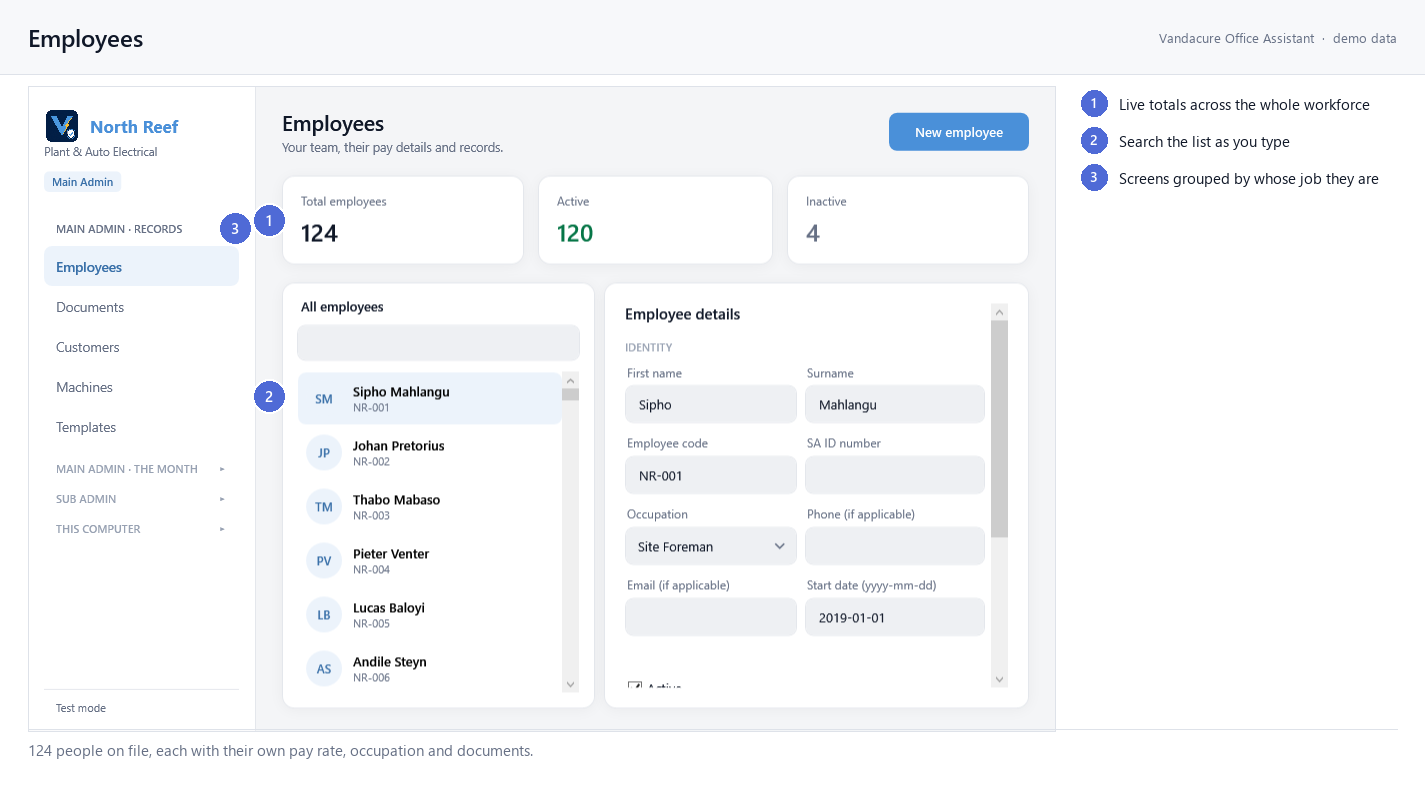
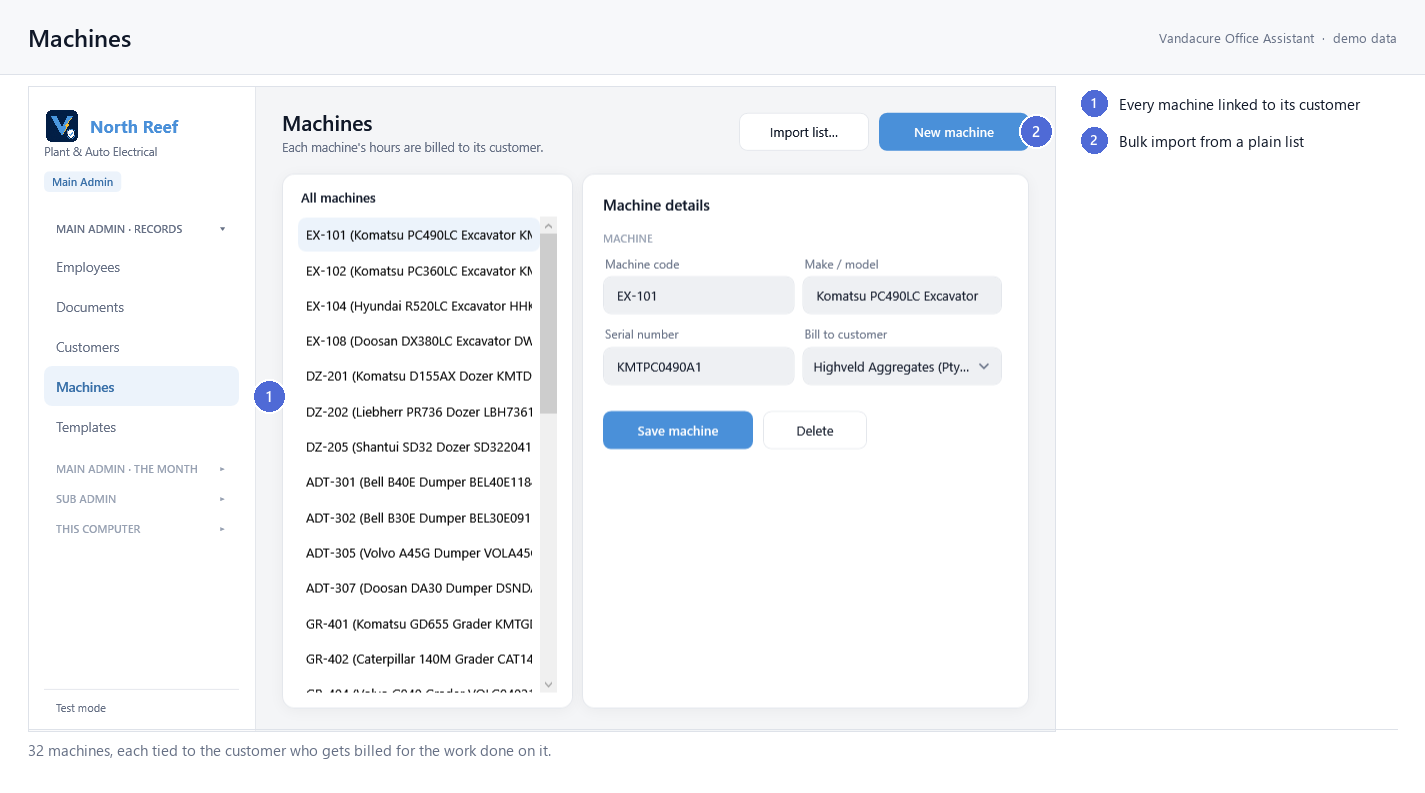
Add your workers (name, role, pay type, rate, shift hours and a gate employee code), your sites (locations or projects), and your machines — each with its internal code, make/model, serial number and service history. Workers log their day against machines, and machines belong to sites.
Step 6 — Daily Shift Records
Each day, open Daily Shifts. Every machine appears as a card — tap one to open its A4 shift record, assign the operator, set start & end times, and log what was done in clean 30-minute slots. Save it, print it, or print blank sheets for pen-and-paper use at the gate.
Step 7 — Gate Check-In with photo
At the gate, your clerk opens Gate Check-In, types the worker's employee code, and snaps a quick photo to verify identity on the way in and out. It works offline — events save on the device and sync automatically when signal returns, so the gate never stops.
Step 8 — Staff & roles
Add team logins from Staff Users — managers, clerks, or inventory staff. Each role sees only what it needs: clerks run the gate, managers oversee their assigned sites (without seeing pay rates), and owners see everything.
Step 9 — History & payroll export
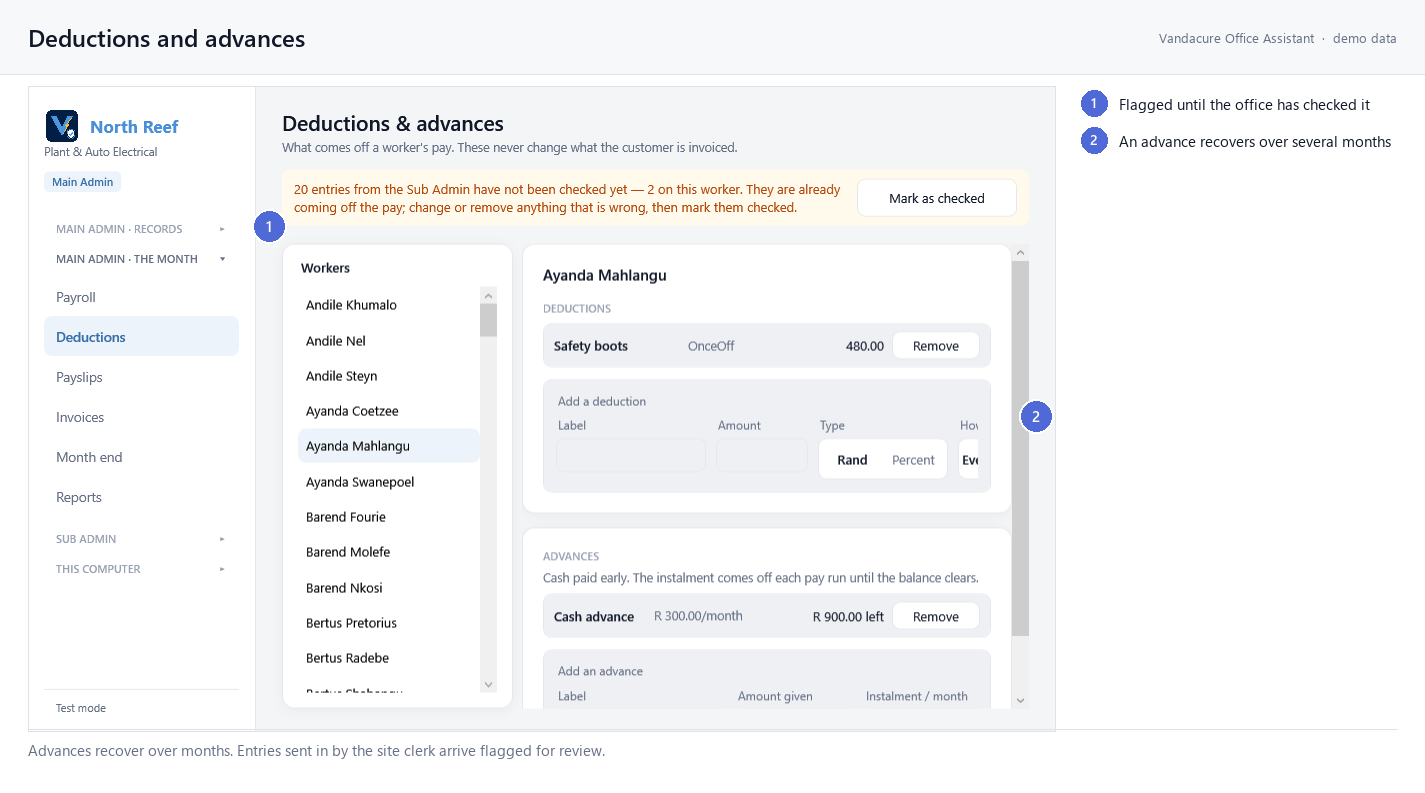
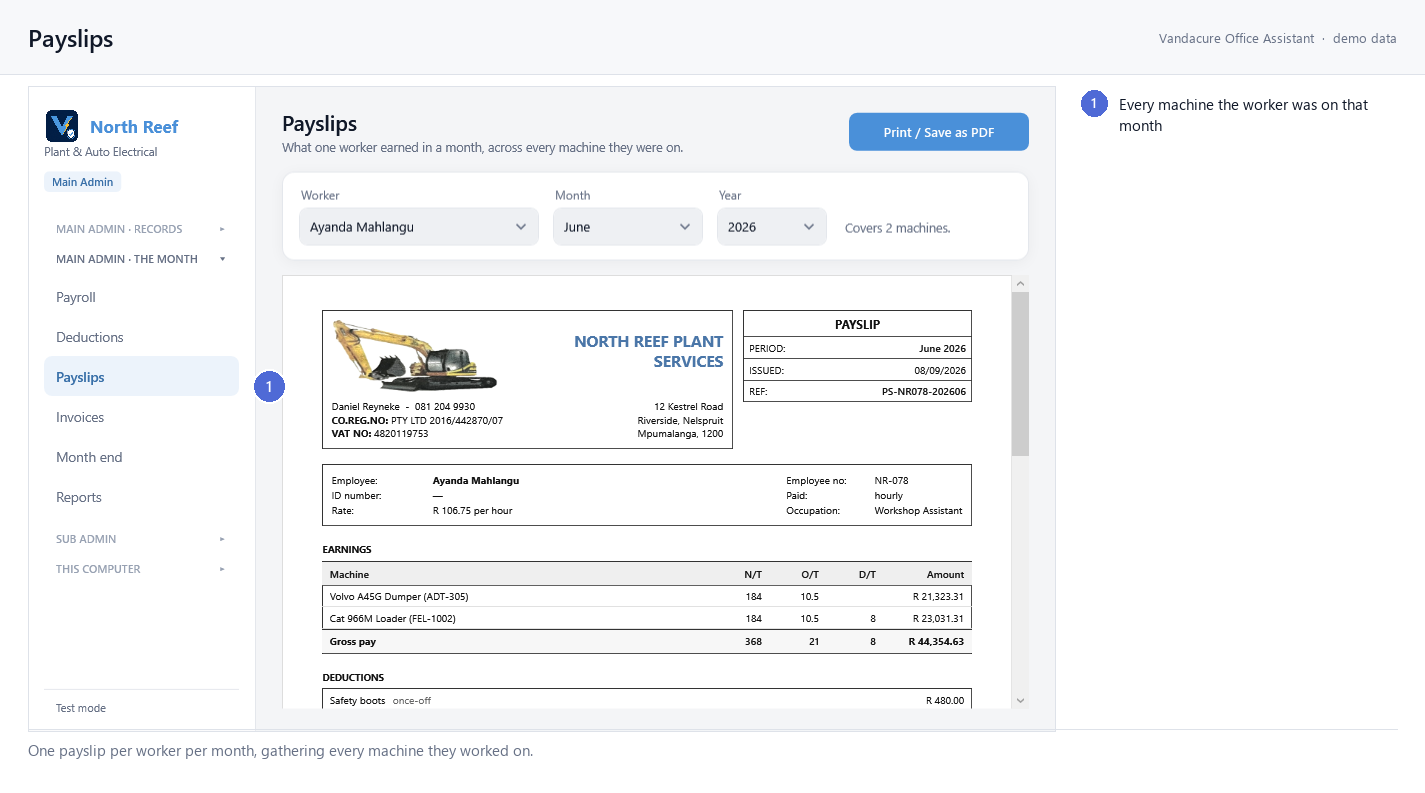
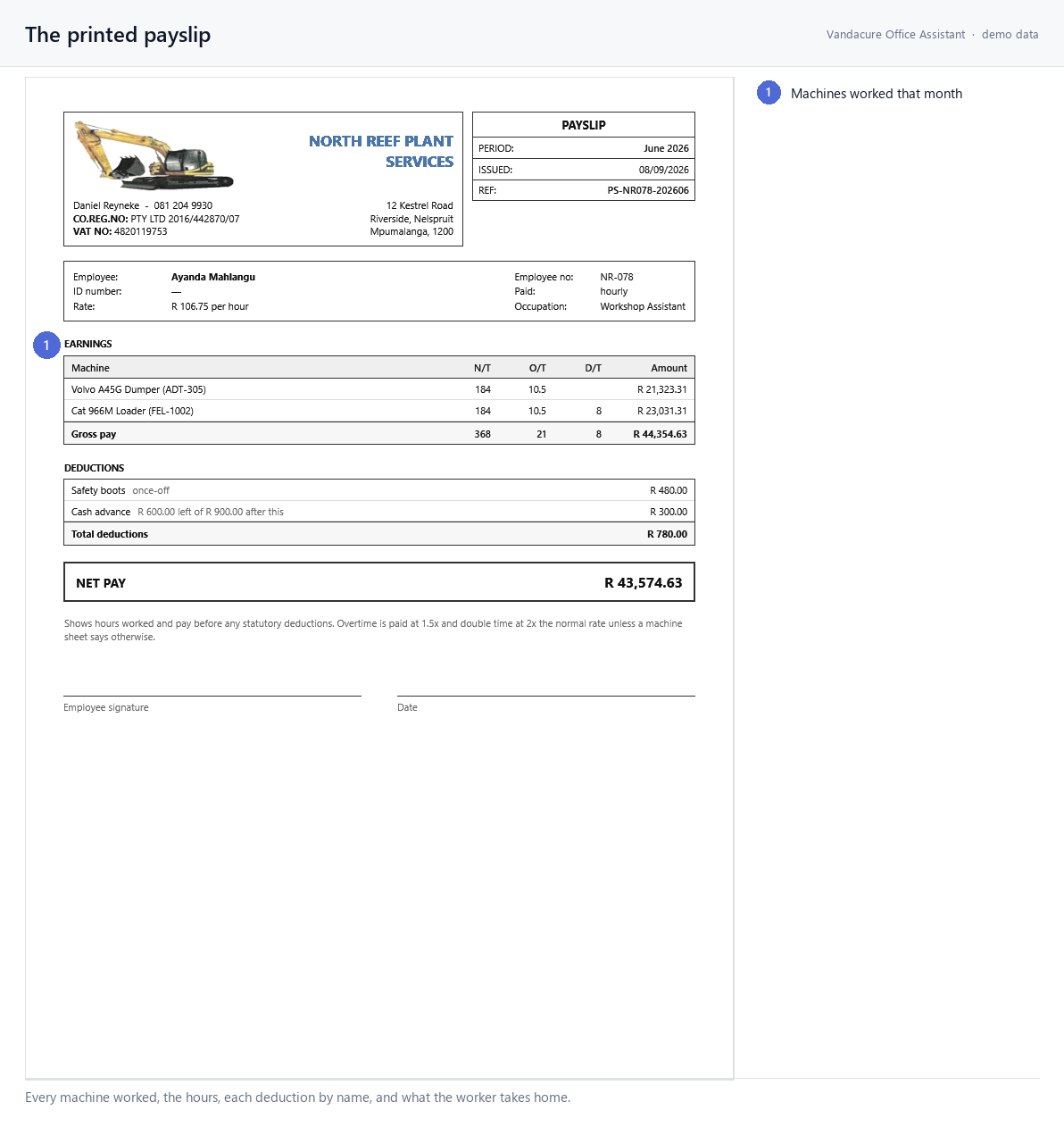
Browse any past day or date range in Shift History, reopen and reprint any record, and export the lot to Excel. The Dashboard shows your live health score, today's shifts, hours and machines in use at a glance.
Step 10 — Install the app
Vee Industrial installs to your phone, tablet or desktop like a native app — add it to your home screen for a fullscreen, offline-ready experience with a purpose-built mobile layout. Perfect for supervisors and gate clerks working out in the field.

Our Sectors

Six sides. Each one a future Vee tool. One is live today.

VEE Platforms

Hover a side to explore Tap a side to explore

Live Preview Available

Try the
Demo

Explore a fully working version of Vee Industrial before setting up your own company. No account needed.

Workers & sites
Hour tracking
Check-in system
Payroll export
Dispute log
Inventory
🚀 Launch Demo

Standalone preview · No login required · No data saved